



RedSeed Mobile

Your training and coaching, in your pocket.

RedSeed Mobile is the companion to your RedSeed training. Sign in with your RedSeed account, or sign up, and your day is ready when you are.

It works on your phone and tablet.

Download RedSeed Mobile on the App StoreGet RedSeed Mobile on Google Play

Free to download. You will need a RedSeed account to sign in.

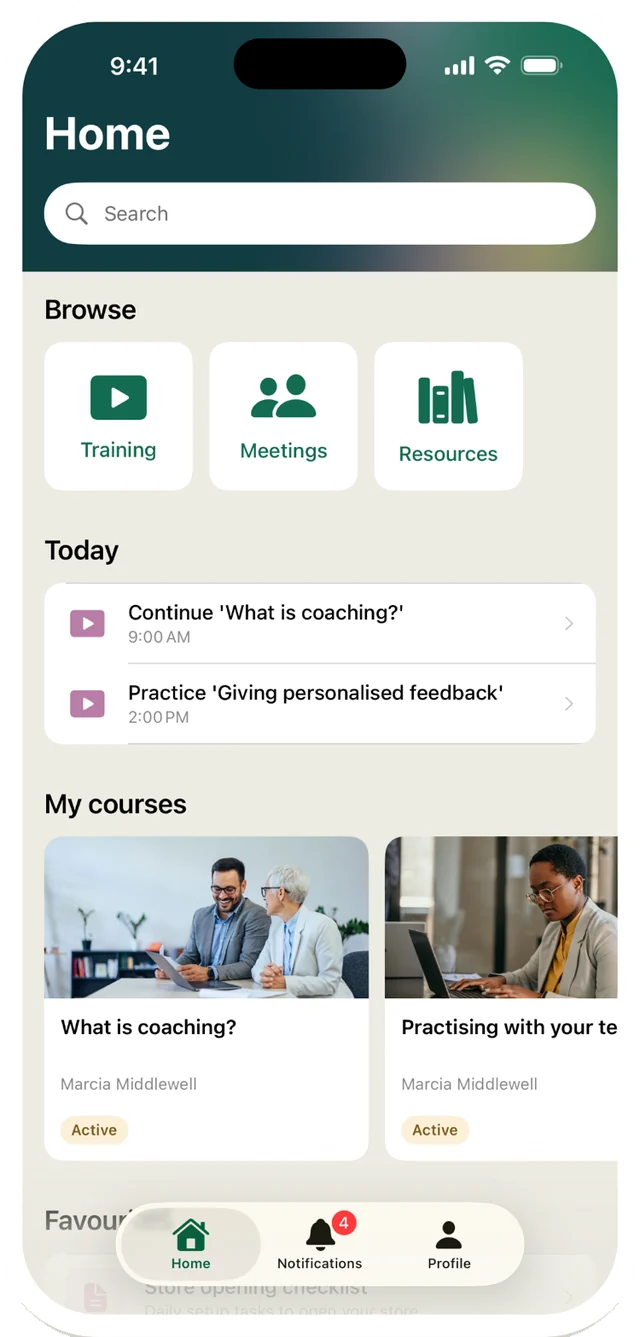
The RedSeed Mobile home screen: a search box, Browse tiles for Training, Meetings and Resources, a Today list of what is due, and My courses.

What you can do

Everything you already use on the web, sized for the screen in your hand.

Today

Check your training, meetings, action items and coaching for the day under Today.

My courses

Open your enrolled courses from My courses, and pick up wherever you left off.

Favourites

Star the resources you use most and find them again under Favourites.

Search

Search your courses and resources from one box.

Browse

Browse resources by category when you are not sure what you are looking for.

Notifications

Get notifications for reminders and updates. Open one to go straight to what it is about.

Your coaching meetings

The 1:1 is where coaching actually happens. The app carries the agenda in and the notes out.

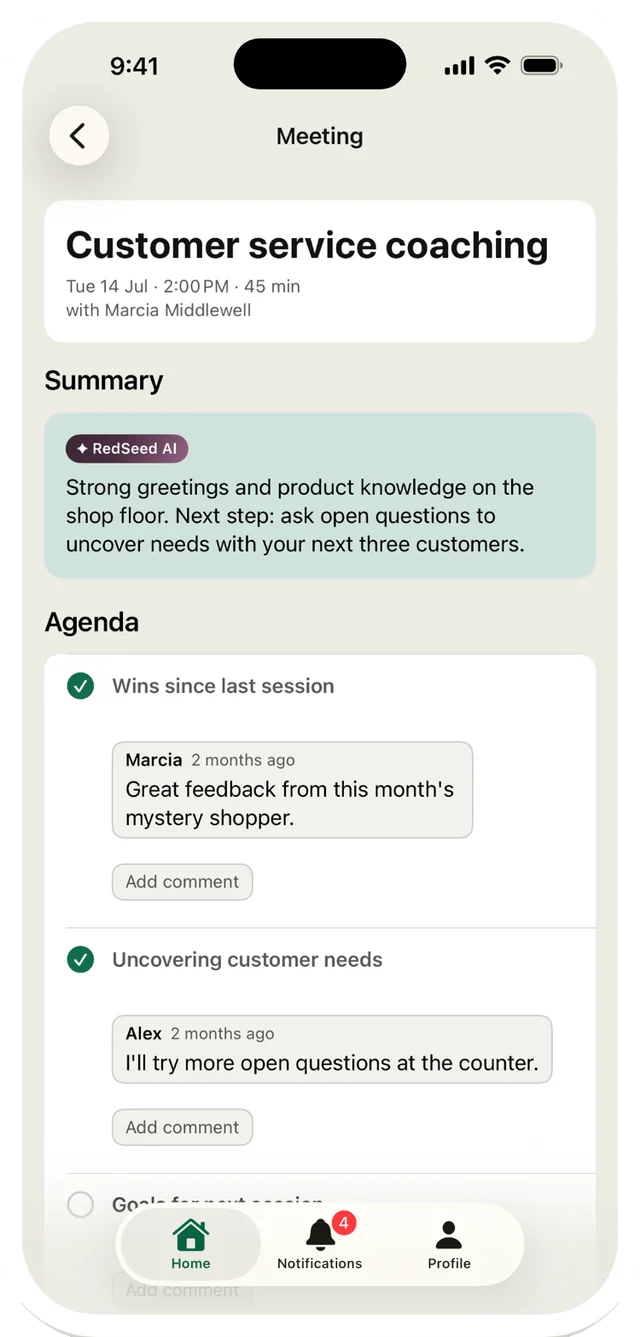
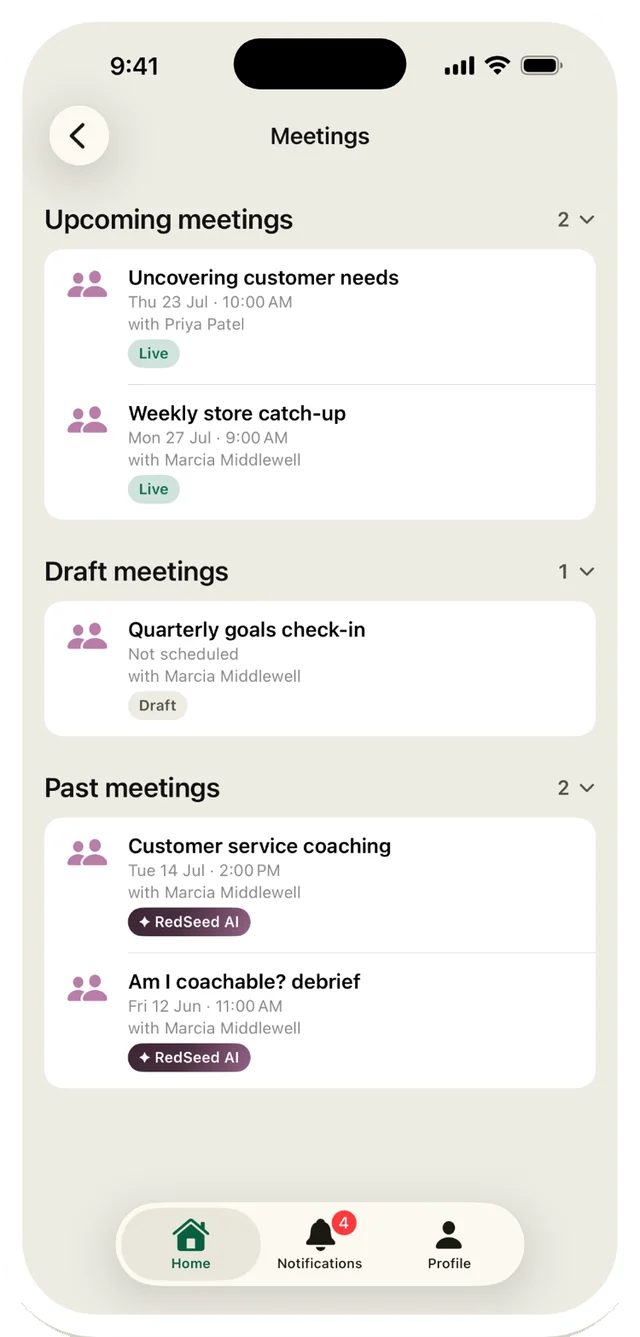
  • Keep all your coaching meetings in one place: upcoming, drafts and past meetings.
  • Before a 1:1, open the meeting to check the agenda. Add agenda items and comments as you go.
  • Tick off agenda items during the meeting, then finish it when you are done.

Meetings and recording are available when your organization turns them on.
How RedSeed approaches 1:1s

The Meetings screen, listing upcoming, draft and past coaching meetings. A single meeting, showing its summary written by RedSeed AI and an agenda with comments from both people.
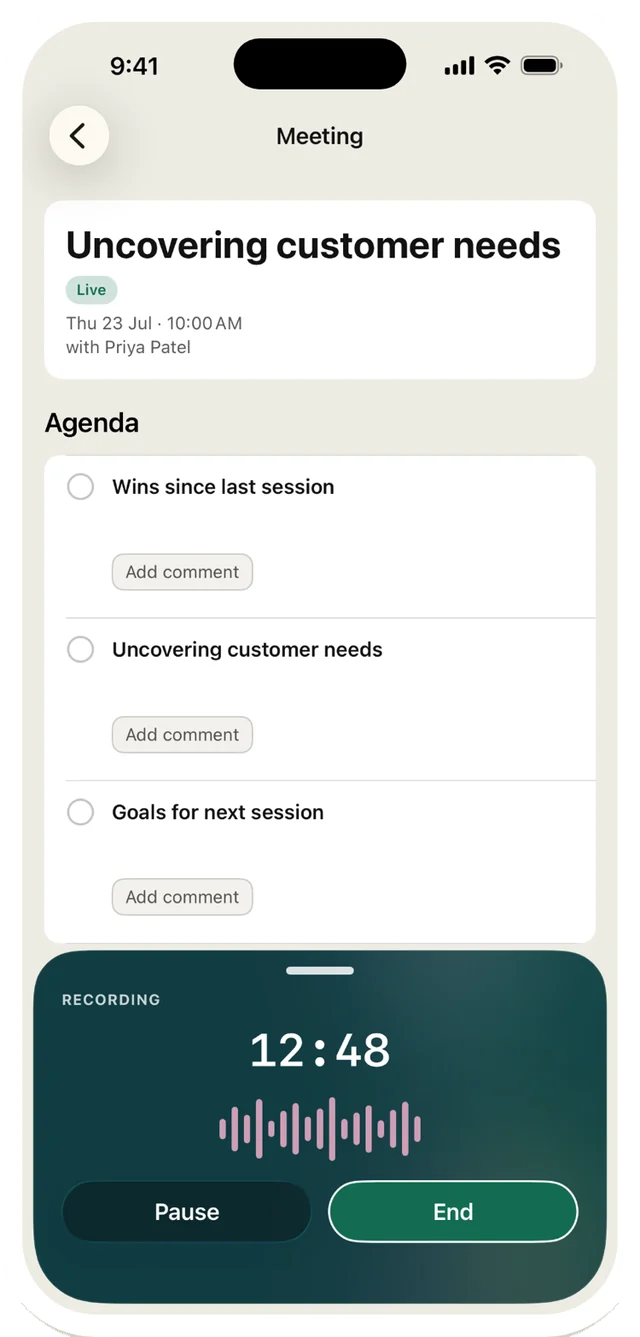
A meeting being recorded in the app, with a running timer, a live waveform, and Pause and End buttons.
RedSeed AI

Record it, and the summary writes itself

  • Record the meeting on your phone. RedSeed AI writes the summary, so you can focus on the conversation instead of taking notes.
  • Recordings upload in the background, even if you close the app.
  • On iPhone, follow a recording in progress from your Lock Screen and the Dynamic Island.

How we use AI

The details

Price
Free to download
You need
A RedSeed account
iPhone, iPad
iOS and iPadOS 16 or later
Mac
macOS 13 or later, Apple M1 or later
Android
Phones and tablets, from Google Play
Published by
RedSeed Limited

Get RedSeed Mobile

RedSeed helps managers coach their team to practise new skills, not just read about them. Now that work fits in your pocket.

Download RedSeed Mobile on the App StoreGet RedSeed Mobile on Google Play

Not using RedSeed yet? Book a demo